Reading Assistant Benchmark and Progress Monitoring Assessments play a critical role in understanding student literacy needs. They help determine each student’s instructional reading level, establish data points for measuring growth over time (Benchmark only), and collect valuable insights into a student’s overall literacy profile. Administrator-assigned assessments are automatically delivered to students the first time they log in during the designated assessment window.
Interactive Walkthrough available here
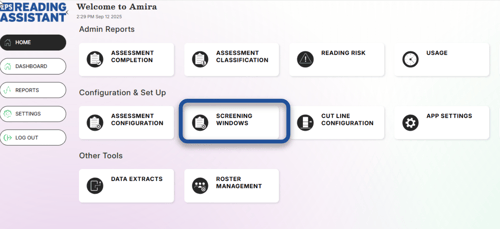
From the home screen, select "Screening Windows". If prompted, choose either 3 times per year or monthly assessment. Three times per year is recommended if only assigning Benchmark Assessments.
Enter the beginning and ending date for the desired window. Deselect any grade you would like to exclude. Select BOY, MOY, or EOY for Benchmark Assessments(Beginning, Middle, or End of Year).
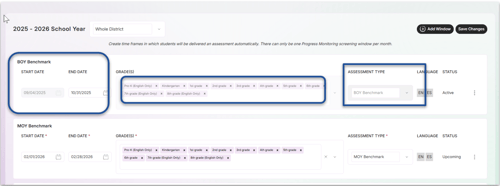
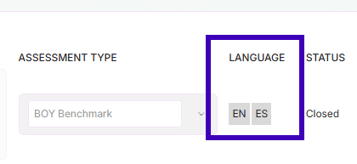
The Language column will show if students will be assessed in English, Spanish, or both. To make adjustments, use the Assessment Configuration tile. Teachers must also adjust Assessment Settings before an assessment window opens for students to receive the assessment in both languages.