Browsing licensed content in the Okapi Digital Literacy Library as a teacher is easy, with several options available to quickly narrow your search to the resources you need.
To get started, log in to EPS Connect.
-
If the Okapi Digital Literacy Library is the only EPS Learning license you have, you will immediately land on your teacher dashboard.
- If you have access to more than one EPS Learning license, select the Okapi Digital Literacy Library logo to go to your teacher dashboard.
Narrow Results by Filter
A set of collapsible filters is available at the top of the page to quickly narrow results from all accessible titles. Select any combination of desired filters, then click the blue "Go" button.
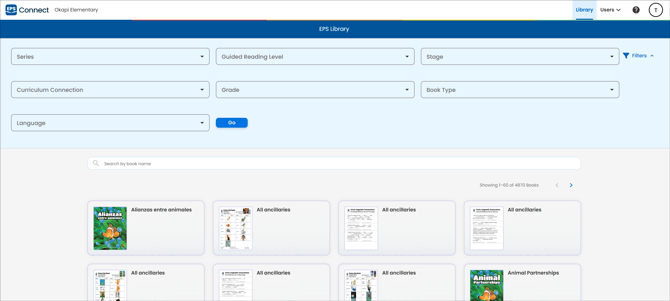
- Series: Select content from one or more Okapi literacy series.
- Guided Reading Level: Select content by Guided Reading Level, A through V.
- Stage: Select content associated with a specific Okapi program stage.
- Curriculum Connection: Select by cross-curricular topic.
- Grade: Select on-grade content from kindergarten through grade 8.
- Book Type: Select Teacher and Student content or teacher-only resources.
- Language: Choose between English and Spanish language content.
Narrow Results by Keyword
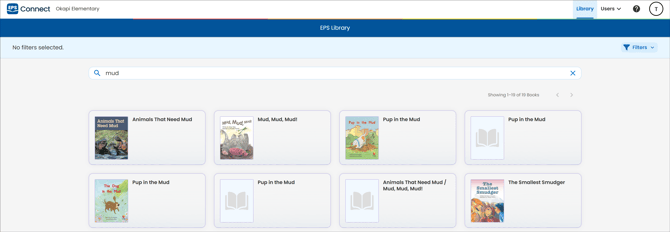
Search book and resource titles by keyword, or directly by ISBN to quickly bring up a specific title.
Viewing Books & Resources
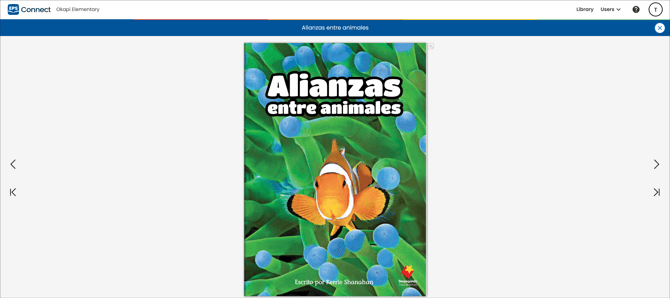
Select any book to view in "flip book" format. To close the book and return to the library, select the "X" in the top-right corner of the page.