
The Usage Report provides administrators with a weekly snapshot of student engagement with Reading Assistant. This report includes key metrics including percentage of students meeting target usage along with total usage data to help monitor overall implementation effectiveness. This report updates daily.
Interactive Usage Report Walkthrough available here
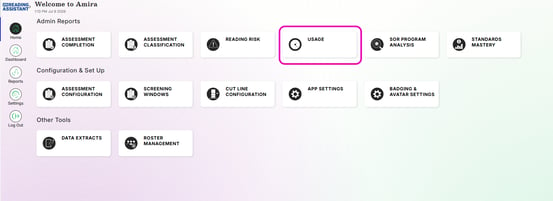
Key Features:
- Flexible Data Views
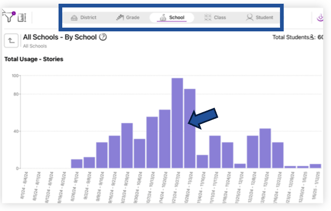
Use the top filter to check weekly usage across different levels:
- Drill Down Graphs
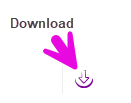
- Double-click on any part of the graph to explore deeper insights within the report
- Use the download button to export the data as a csv file
- Customizable Display Options
-
Use the Metrics menu (ruler) to adjust what usage data is shown.
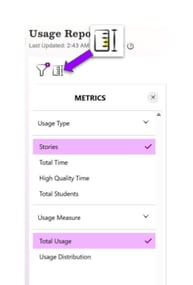 Usage Type
Stories: # of stories read
Total Time: Includes all minutes spent reading with Amira
High Quality Time: Only includes minutes from completed stories -
Usage Measure
Total Usage: Cumulative amount for selected type
Usage Distribution: %age breakdown of students categorized by their usage levels for selected type
-
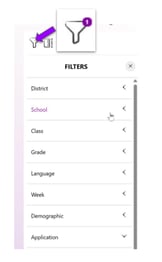 Use the Filters menu (funnel) to apply or adjust
the filters to customize your display
Consider using the side filters in tandem with the top filter to reduce your results (example: select Week and Grade)