This article outlines how all users can access EPS Connect by selecting the correct login method based on how your school or district is set up.
Choosing your login method
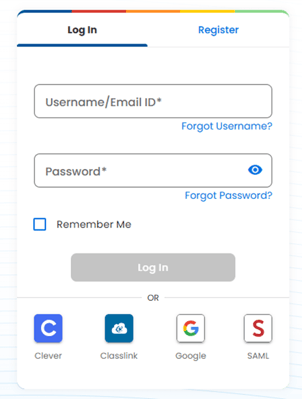
All Users can log in directly to EPS Connect if they are not using a rostering integration and they have a username and password.
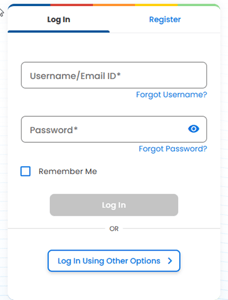
Other login options – choose Login Using Other Options
- Select Clever if your school users Clever for signing into digital learning tools.
- Select ClassLink if your school uses ClassLink as its centralized launchpad for applications.
- Select Google if your school uses Google Workspace for Education or if your EPS Connect account is linked to a Google email address.
- Select SAML if your organization uses another identity provider