
Self-service reset for your shop.epslearning.com password requires access to the email address that is the user name on the account.
- Go to shop.epslearning.com/login and click the Forgot Password? link.
- Enter your confirmed user email address and select Send Email.
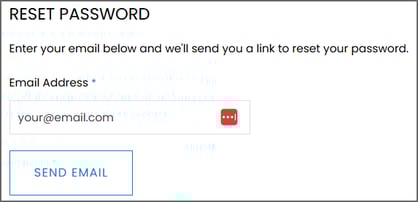
If you don’t receive an email within a few moments, check your junk/spam box and double check that you did not have a typo in the address. If you haven’t received a reset email after 15-20 minutes, please contact our support team for assistance.
Note: If you are an organizational user and attempting to log into a previous employee's account, please contact our Account Maintenance team for assistance with replacing the outdated user.
‼️If you previously had an account at eps.schoolspecialty.com, that site and account no longer exist. Please re-register for a new account at shop.epslearning.com.
Related articles:
- SPIRE STAR, iSPIRE, Wordly Wise i3000 Password Reset
- SPIRE Up, Reading Accelerator Password Reset
- Reading Assistant Password Reset
- Coach Digital Compass Password Reset
- Explode the Code Online Password Reset