
 Instructions
To adjust the Curriculum delivered to a student, do the following:
-
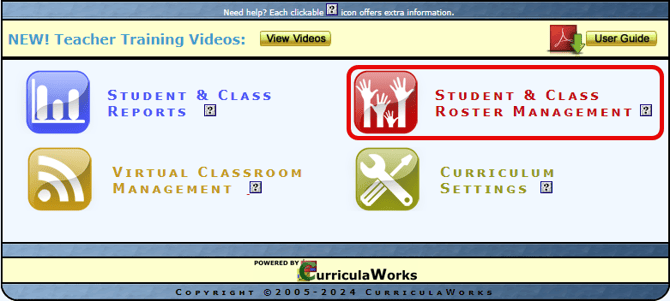
From the Main Menu page, open the Student & Class Roster Management menu.
-
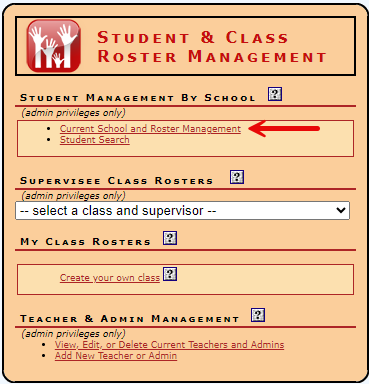
Select “Current School and Roster Management”.
-
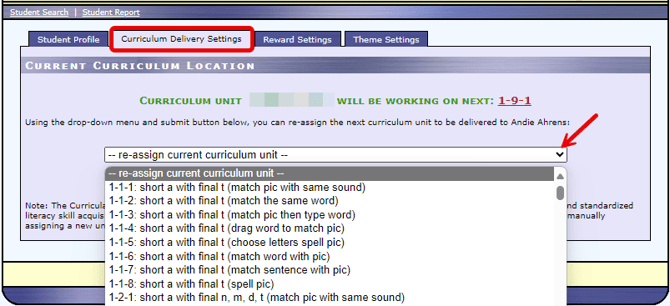
Click Edit next to the student’s name and then select the Curriculum Delivery Settings tab, click the drop down list and select the new curriculum you wish to have delivered to the student. When done, click Submit Changes.
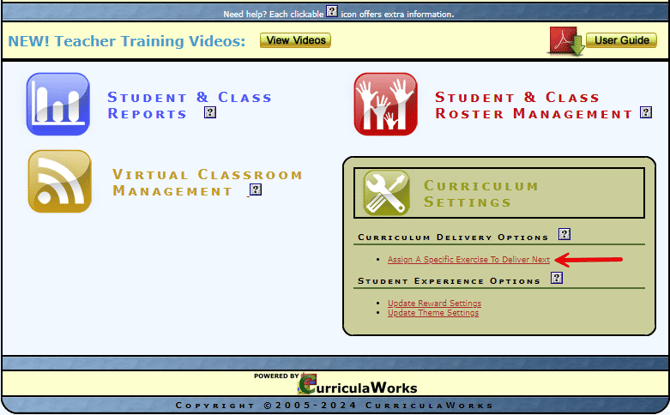
Another option is to select the Curriculum Settings menu from the Main Menu page and then “Assign A Specific Exercise to Deliver Next”.
Select Edit next to the student to access the Curriculum drop-down list. Select the exercise and then Confirm.