
District teachers can self-register and join their district using a district access code. The code generated is unique for each district and can be provided by your administrator or the Customer Success team. Registering and joining the district will give users access to the content licensed to the district.
Login Address: EPS Connect Login
Select the Register tab then Register with Access Code
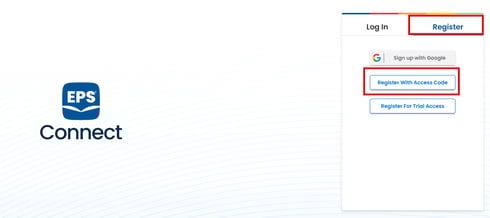
Step 1
Enter the access code for your district, your email address and select your school from the available drop down list. Select Next
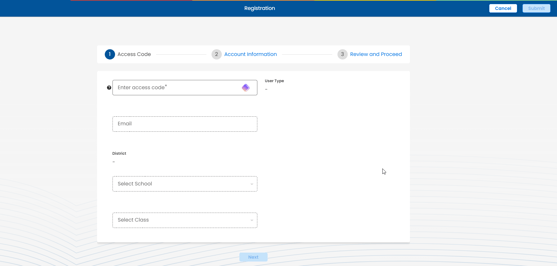
Step 2
Enter your First Name, Last Name and User Name and select Next
It is recommended to use your email address as your username to ensure your username is unique.
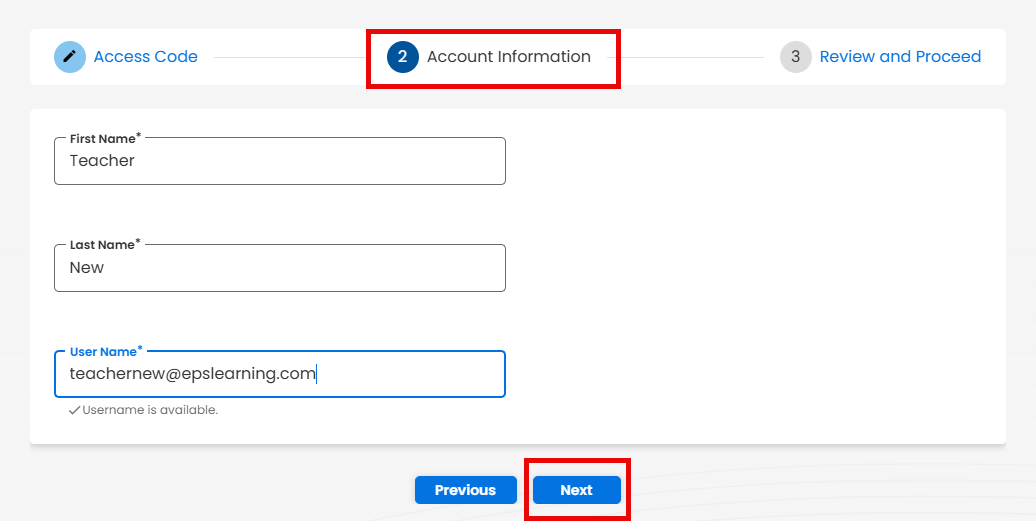
Step 3
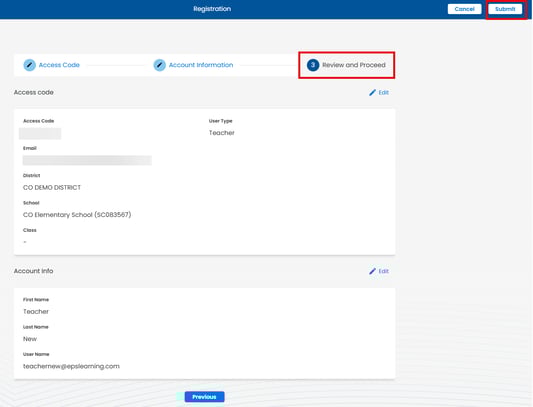
An email with your temporary password will be sent to the email provided, if you do not see an email please check your junk and spam for an email from noreply@epslearning.com