Resetting a Teacher's Password as an Admininstrator
This article will show you how to reset a Teacher's password in EPS Connect.
This article does not apply to districts that use single sign-on to log in.
-
Sign in with your District Admin or School Admin credentials.
-
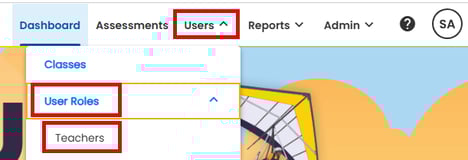
Select USERS, USER ROLES and then TEACHERS.
-
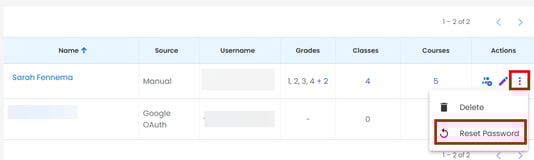
Search and Select the ellipsis next to the name of the teacher you want to reset and then select Reset Password
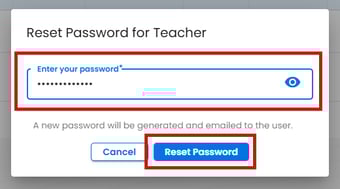
A pop window will open: Enter Your password and then select Reset Password
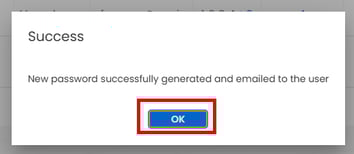
A new password will be generated and emailed to the user selected. Select Ok in the confirmation pop up.