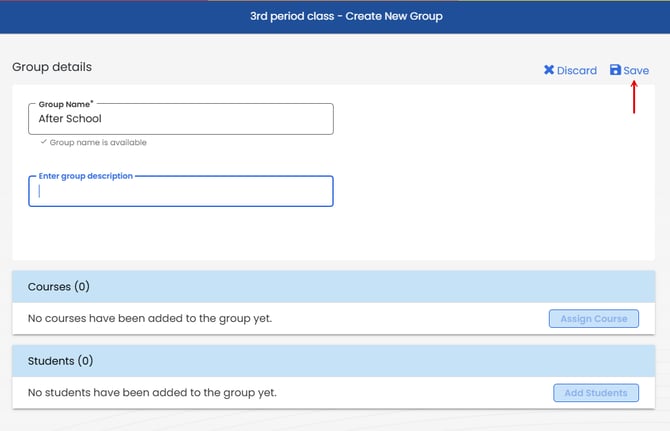
Create a Group in an Existing Class
-
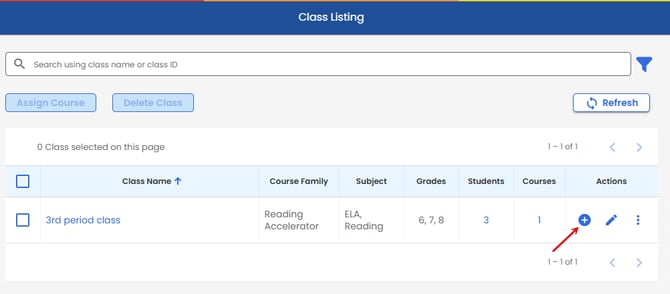
On the Navigation Bar, select USERS > ORGANIZATION > CLASSES,
-
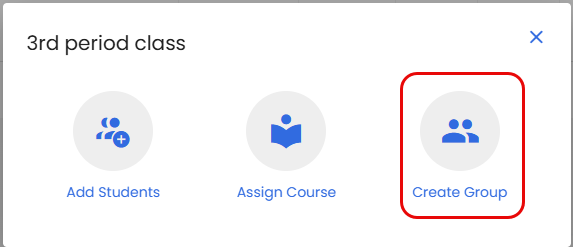
Under the Actions column, select
 , and then Create Group next to the class in which you are creating a group.
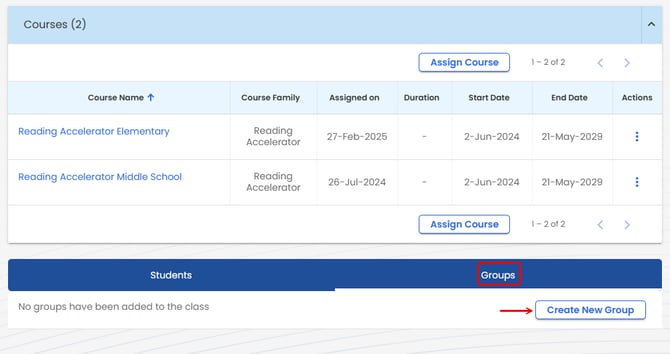
You can also create a group from within a class. To do this, go to your Users > Classes page and select the class to which you wish to add the group.
Select the Groups tab and then click Create New Group.
Enter Group details and click Save. (Note, you will have to save the group before you can add courses and students.)