Add Students to Group
-
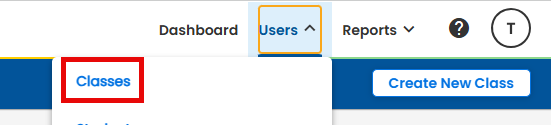
On the Navigation Bar, select USERS > CLASSES
-
On the Class Listing page, select the class the group is in. Scroll to the bottom of the Class page
-
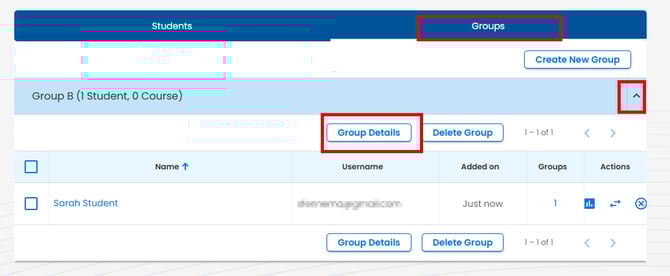
Select the Groups tab
-
Select the group to edit
-
Select GROUP DETAILS
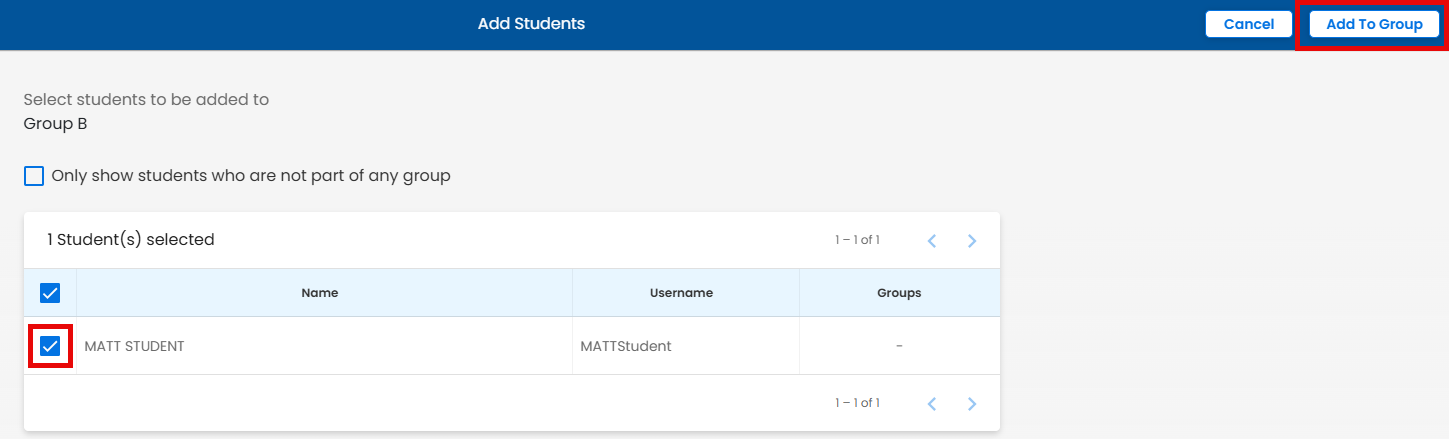
Select ADD STUDENTS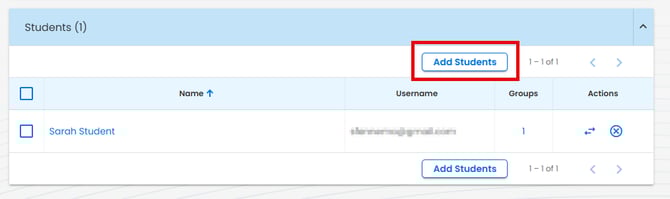
-
Check the boxes next to the student names
-
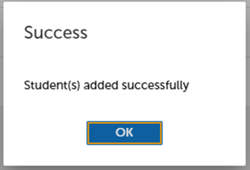
Select ADD TO GROUP
Remove Students from Group
-
On the Navigation Bar, select USERS > select CLASSES
-
On the Class Listing page, locate the class to edit the group
-
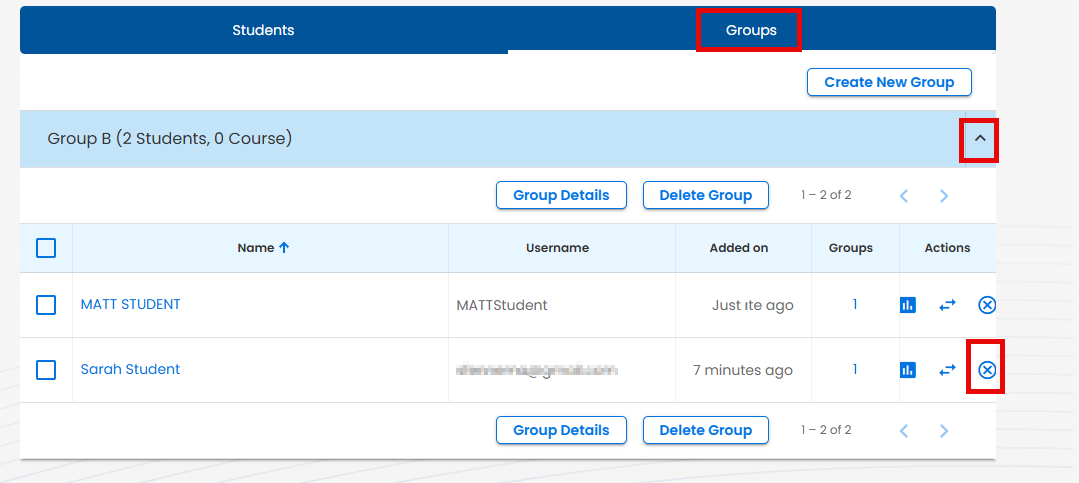
Select GROUPS
-
Select the group to edit
-
Under the 'Actions' column, select to remove student from group