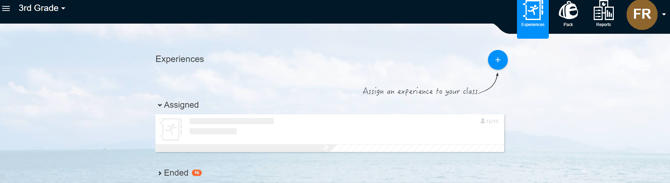
Creating a class in iSPIRE is a simple process that allows you to set up and manage your group of students effectively. This guide will walk you through the step-by-step instructions to create a class, from accessing the class creation feature to entering the necessary details. Additionally, we have provided a video guide demonstrating each step.
Video guide:
Step-by-Step Instructions
-
Accessing Class Creation:
-
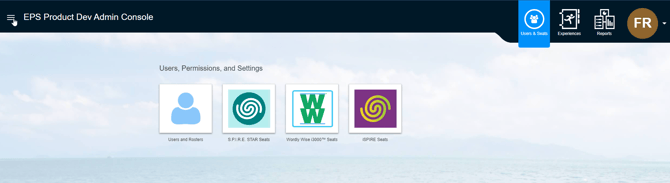
Navigate to the top left of your dashboard screen and click the dropdown next to ‘All Experiences.’ (The screenshot appears differently due to account permissions)
-
-
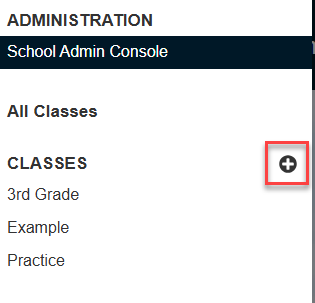
Click on the plus (+) button next to 'Classes'.
Setting Up Your Class:
-
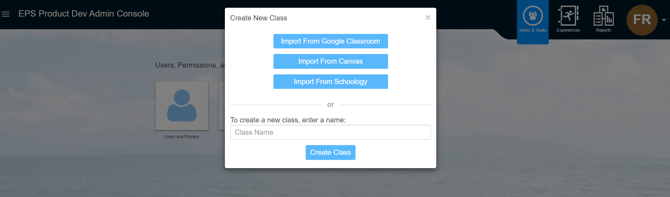
Enter a class name that identifies the students you will be teaching.
Completing the Class Setup:
-
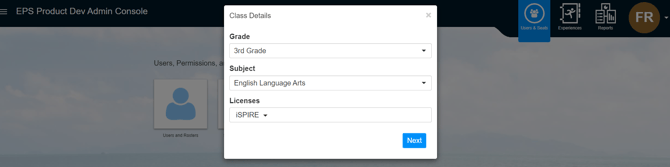
Click 'Next' after all details are filled in.
-
Your class has been successfully created, and you can begin adding students.