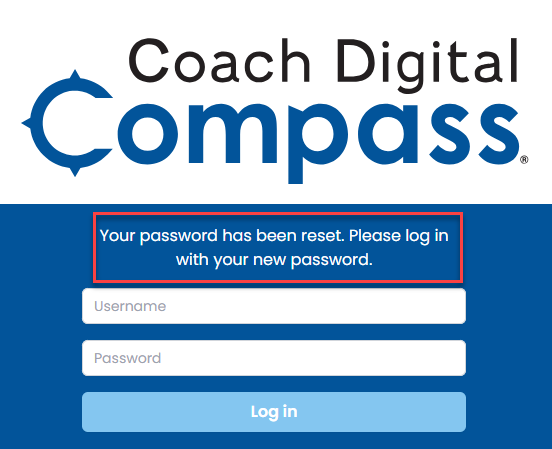
This article outlines the steps to create a new password using the Forgot your password request on the Coach Digital login page.
This article does not apply to Clever or ClassLink rostered districts/schools.
-
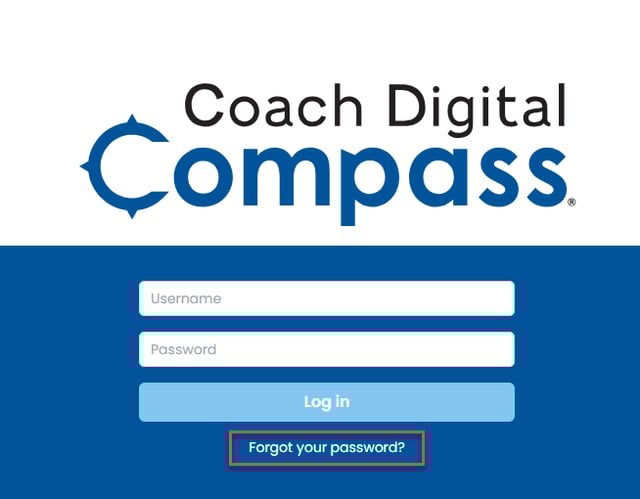
Select Forgot your password? from your school's Coach Digital Compass Log-in page.
Chat with a Technical Support Specialist or email support@epslearning.com if you do not know your school-specific Login URL or the email address and username associated with your account.
-
Enter your User Name, Email Address, and Captcha Code
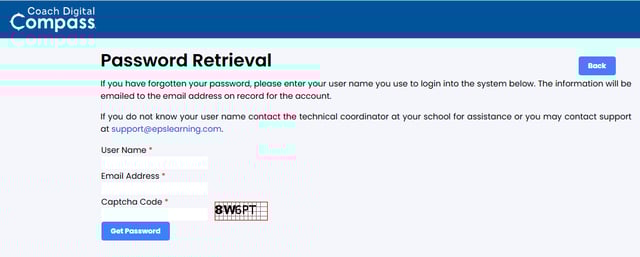
Chat with a Technical Support Specialist or email support@epslearning.com if you do not know the email address and/or username associated with your account.
-
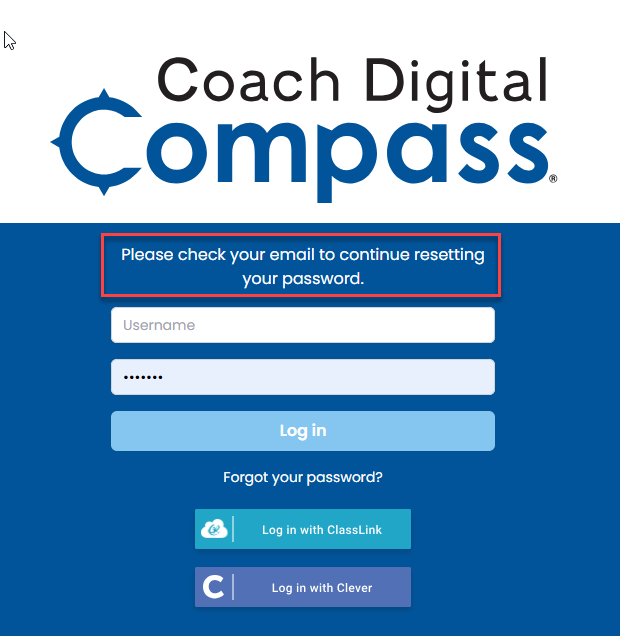
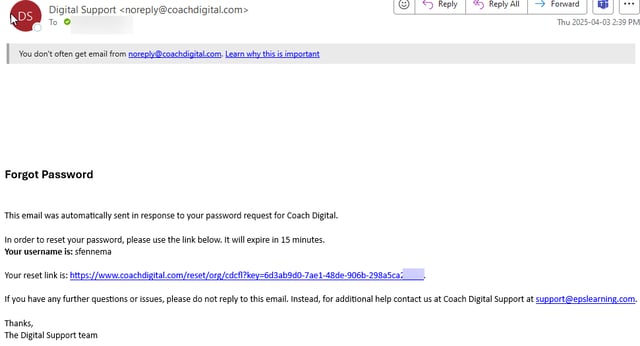
Check your email for an email from noreply@coachdigital.com
-
Click on the reset Link in the email you received
-
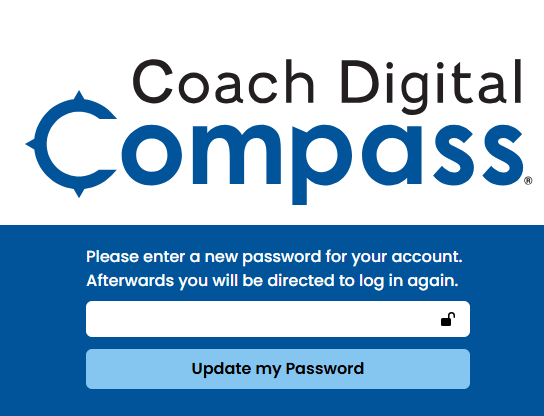
Enter a new password and Select Update my Password
Passwords must be at least 8 characters, including an uppercase letter, a number, and a symbol.
-
Log in with your username and new password