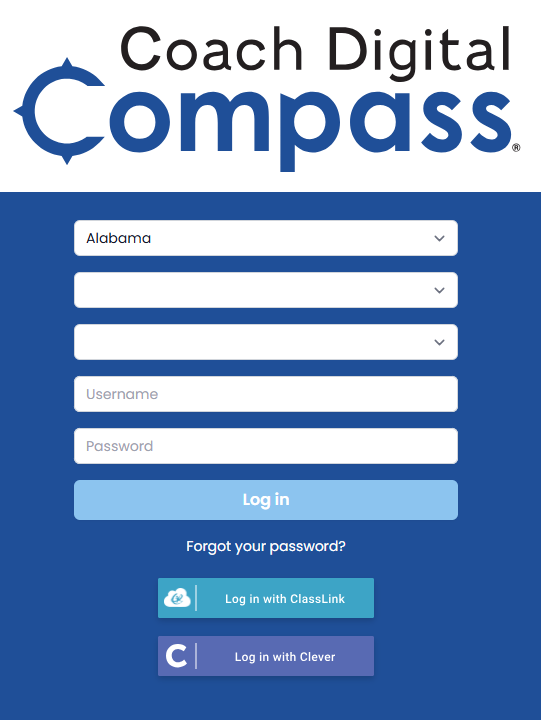
This article is not for schools or districts rostering with Clever or using single sign-on.
It is recommended that you use your school-specific login address to log into Catch Up with Coach or Coach Digital. If your school has licenses and you have not received the school-specific login address, contact your administrator or email us at support@epslearning.com to ask for it.
The school-specific login address will have the following format, and the login page will only ask for your username and password.
https://catchupcoach.coachdigital.com/org/[unique_number]
https://www.coachdigital.com/org/[unique_number]


If you do not have your school-specific login address, you can still log in by selecting your state, district, and school and then entering your username and password. The login address is Coach Digital or https://www.coachdigital.com.