Overview
This article explains how to assign the SPIRE Up course to a class. After creating a class, you can assign the SPIRE Up course using one of two methods.
Method 1: From the Class Details Page
-
To access the Class Details page, select Users → Classes from the drop down menu and click on the class name.
- Scroll down to the Courses section and click Assign Course. Select SPIRE UP from the Course Name list and click Next.
- Modify the term Type, if applicable.
- Click Assign Course.

Method 2: From the Classes List
- From the menu select Users → Classes.
- Locate the class you created.
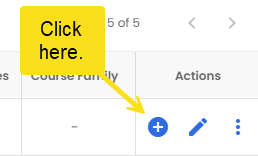
- In the Actions column, click the blue + button.
-
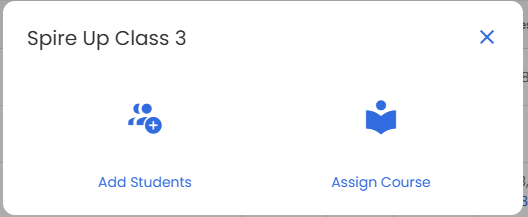
In the pop-up window, select Assign Course. Once selected, follow the same steps outlined above.