
Students who are added to a class after an Experience has been assigned will not see it listed under their Assigned Experiences. In order for them to gain access to it, the student needs to be added to the assignment. Any Experience assigned after they have been added to the class will appear for them.
 Instructions
If you have one or more students in a class who are not seeing an Assigned Experience, do the following:
-
From your teacher dashboard, click on the Assigned Experience title.
-
On the Progress Dashboard, click the Students button.
-
Click the Add Student drop-down on the Students page and select student(s) from the list.
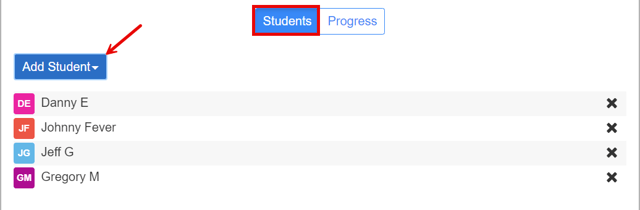
Note: If you have more than one student in the Add Student list, you must select them individually.